
Adding a Customer
Navigate to the Customers tab and tap (+). Enter their name, contact, and GST details.
Editing Information
Select any customer and tap Edit to update their records at any time.
Share this
Enjoyed reading? Share it!
Navigation
Supreme Bill App
Track inventory and manage professional bills anywhere, anytime.

Keep your client directory organized and up to date.

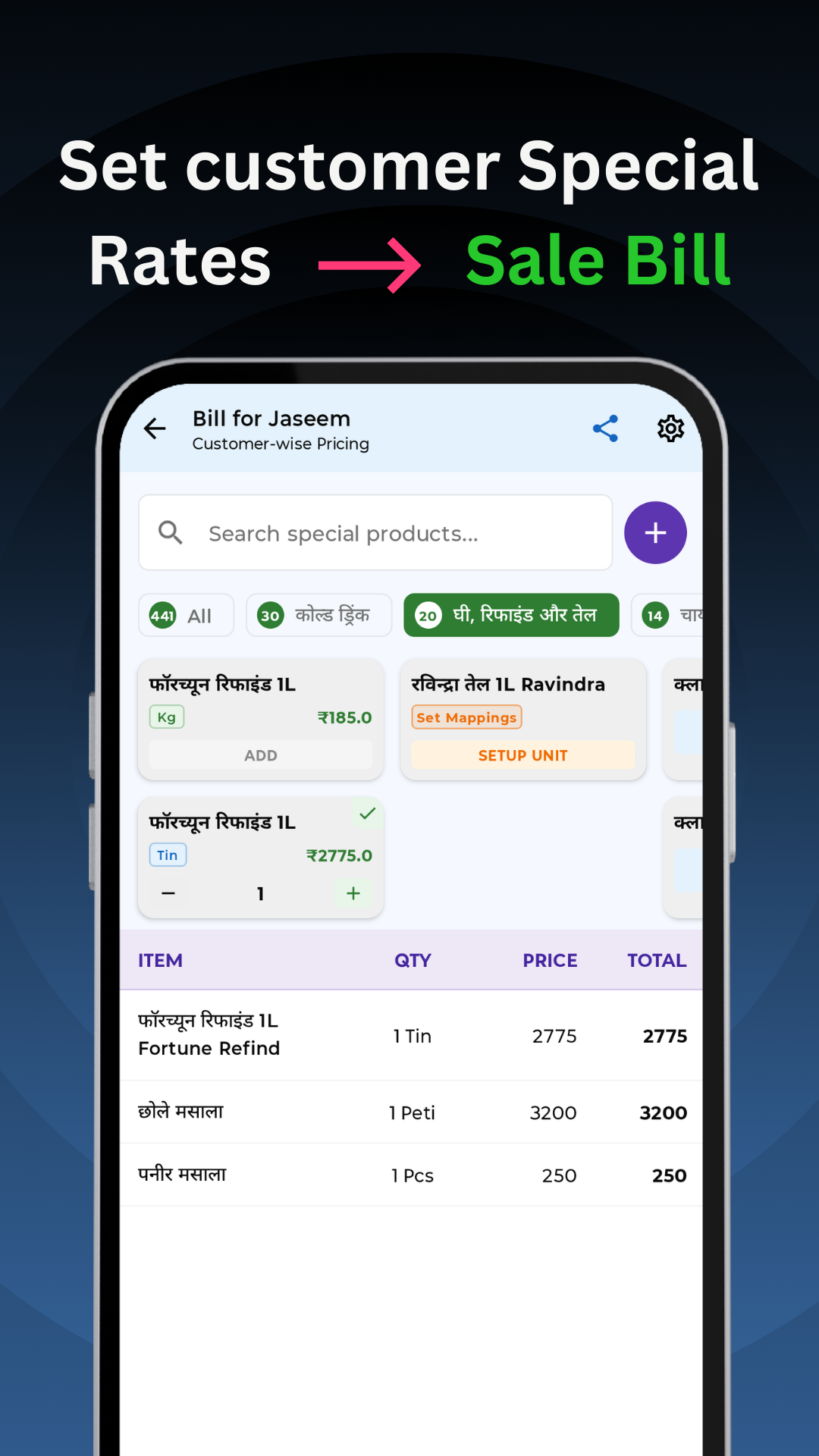
Navigate to the Customers tab and tap (+). Enter their name, contact, and GST details.
Select any customer and tap Edit to update their records at any time.